See the information below for managing questions/polls.
- Go to Admin Tools > Manage Questions/Polls
- Here you can view previous questions/polls
- If you hover your mouse over each question, a summary will pop up.
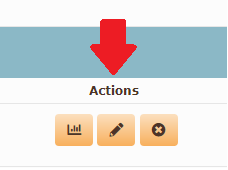
- You can use the icons next to each question to view results, edit the question and delete the question.
- Any questions in grey are no longer open
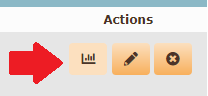
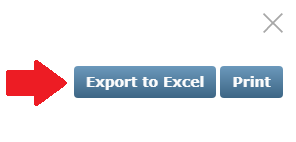
- If you need to export results, you can click on the graph icon next to the question > click Export to Excel
- Here you can view previous questions/polls