To edit your chapter address and contact information that is shown on your chapter website, please see the steps below.
- Go to Admin Tools > Manage External Website > Click Go
- Select Footer Information from the left menu
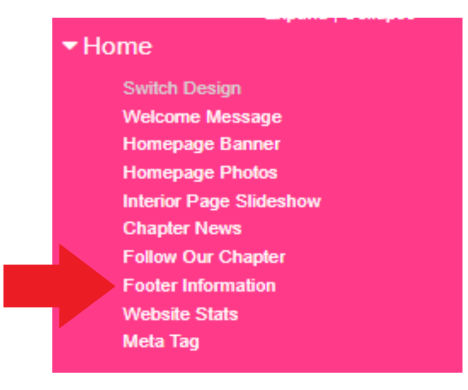
- Update your chapter information
- Click Update