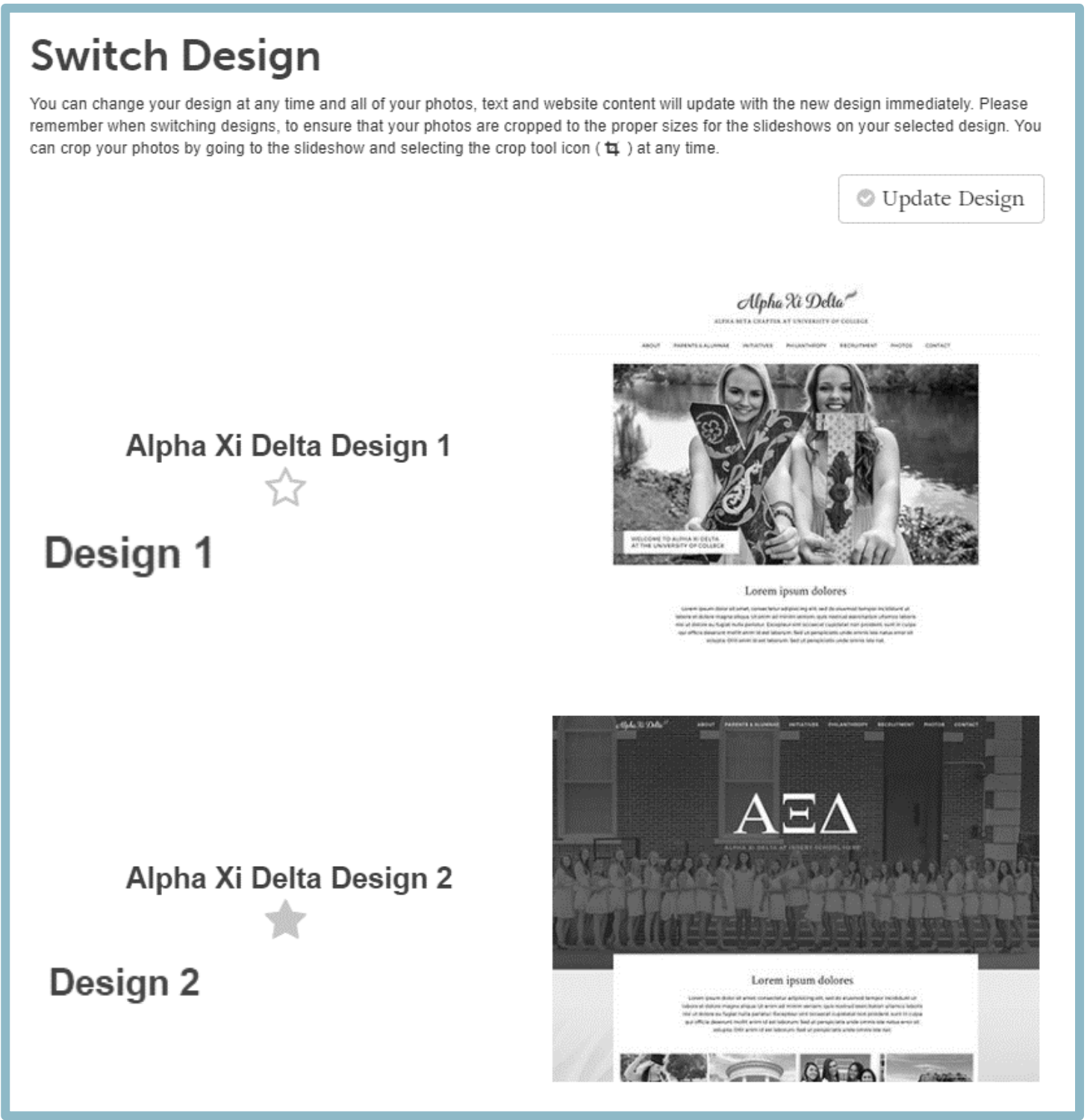
To switch the design of your chapter's website, follow the steps below:
- Select Admin Tools (tool icon) from the left menu in OmegaOne
- Click Manage External Website
- Click Switch Design from the left menu
- Click the star next to the design you would like to use